

Halide and ProCamera try to turn the iPhone into something closer to a “real camera.” They overlap a lot, but their design philosophy is very different.
Think of Halide as the photographer’s minimalist camera, while ProCamera is the Swiss-army-knife camera app.
Core difference in philosophy
Halide: Designed around simplicity and photographic purity. Very clean interface with gesture controls. Emphasis is on RAW photography and manual focus tools.
ProCamera: Built like a full DSLR-style control panel. Many shooting modes and advanced features. More options but a busier interface
Image quality
Both apps can shoot RAW and Apple ProRAW, which preserves far more editing flexibility than JPEG/HEIC.
Halide advantage: Strong integration with Apple ProRAW, more flexible RAW output for editing workflows. “Process Zero” mode minimizes computational processing for a more natural look.
ProCamera advantage: Very reliable exposure and color with strong JPEG/HEIF output Excellent low-light modes and HDR options.
Practical takeaway:
If you edit photos later (Lightroom, Capture One) → Halide often wins.
If you want great results straight out of the camera → ProCamera may be easier.
Manual controls
Both apps allow manual control of ISO, shutter speed, white balance, focus and exposure compensation
But the interface differs.
Halide: Gesture-based control (swipes and dials), Focus peaking and loupe (love this ❤️) help nail manual focus.
ProCamera: More traditional DSLR-style interface, Supports semi-auto modes like ISO priority or shutter priority.
Many photographers who use professional cameras by Nikon, Sony and Canon often prefer ProCamera’s layout.
Shooting modes
Halide: RAW / ProRAW, Process Zero natural rendering, Depth capture, Macro assistance, Focus tools
ProCamera: Low-light mode, configurable HDR, exposure bracketing, advanced video controls, multiple capture formats
User experience
Halide: Beautiful minimalist UI, Extremely fast to operate, Feels closer to Apple’s native camera app
ProCamera: More menus and options, More control but slightly slower workflow
Pricing
Typical structure (changes occasionally):
Halide: subscription or one-time purchase (~$20/year or ~$60 lifetime)
ProCamera: one-time purchase with optional add-ons
Choose Halide if
– You want a camera-like shooting experience
– You edit photos in RAW
– You care about natural color and minimal processing
Choose ProCamera if
– You want maximum manual control
– You shoot video or low-light frequently
– You like DSLR-style controls
The iPhone camera is actually two cameras layered together. One is the physical lens and sensor, the other is the software pipeline doing heavy computational photography.
These Apps essentially are trying to peel back that computational layer so you can treat the phone more like a traditional camera.
A third app: Adobe Project Indigo (free 🤗)
Built by Marc Levoy, the engineer behind Google’s famous computational photography system.
Instead of taking one photo, it captures a burst of images and merges them to improve dynamic range and reduce noise.
Designed to create a more natural “SLR-like” look rather than heavy smartphone processing. Includes manual controls for ISO, shutter speed, focus, and white balance.
In other words, it tries to combine computational photography with manual control, something most camera apps don’t quite do.
How photographers often use the three apps
Halide
– Best for pure RAW capture, minimal processing, feels closest to a real camera
ProCamera
– Best for manual control and video, lots of shooting modes
Project Indigo
– Best for maximum image quality from computational merging, surprisingly good in high-contrast scenes and low light
Lastly, a fourth app to consider:
Another ($70/year) option getting attention is Leica LUX, which mimics Leica lenses and color science on the iPhone.
This appeals to photographers who like the Leica aesthetic rather than Apple’s computational look.
Conclusion
The curious thing about iPhone photography is that the hardware isn’t really the main camera anymore.
The real “lens” is the software pipeline deciding how multiple frames get merged. Different apps essentially run different physics experiments through the same sensor.
Please check out these Apps and let me know your thoughts in the comments section.
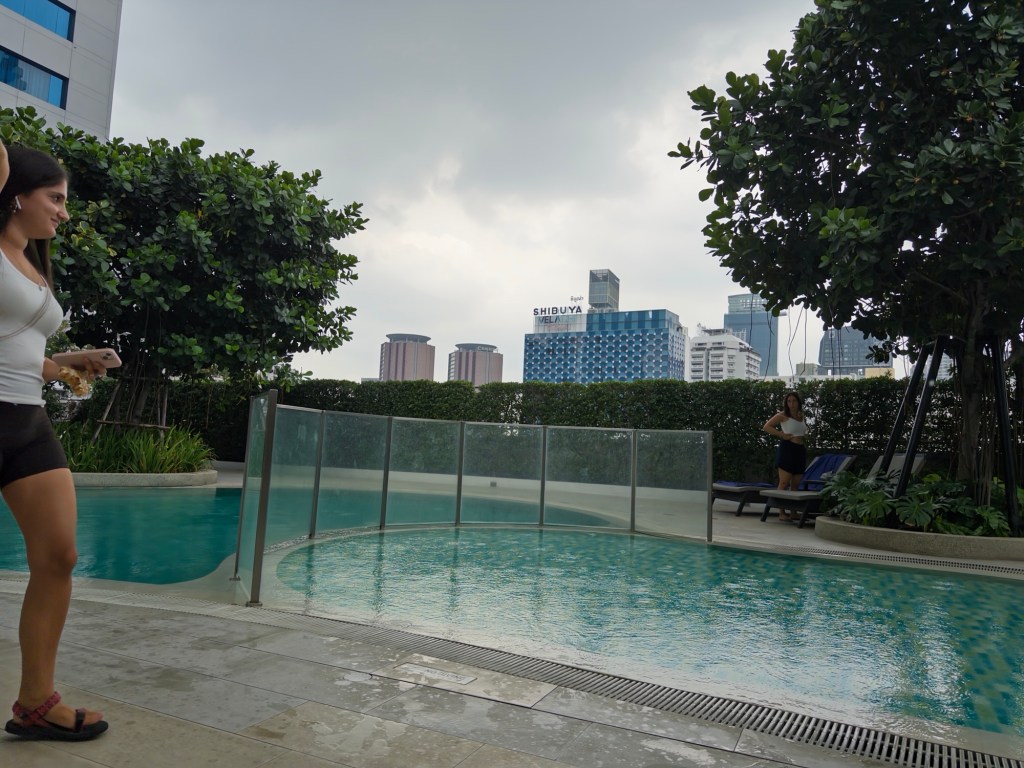
Photos (unretouched, straight out of camera)
Halide
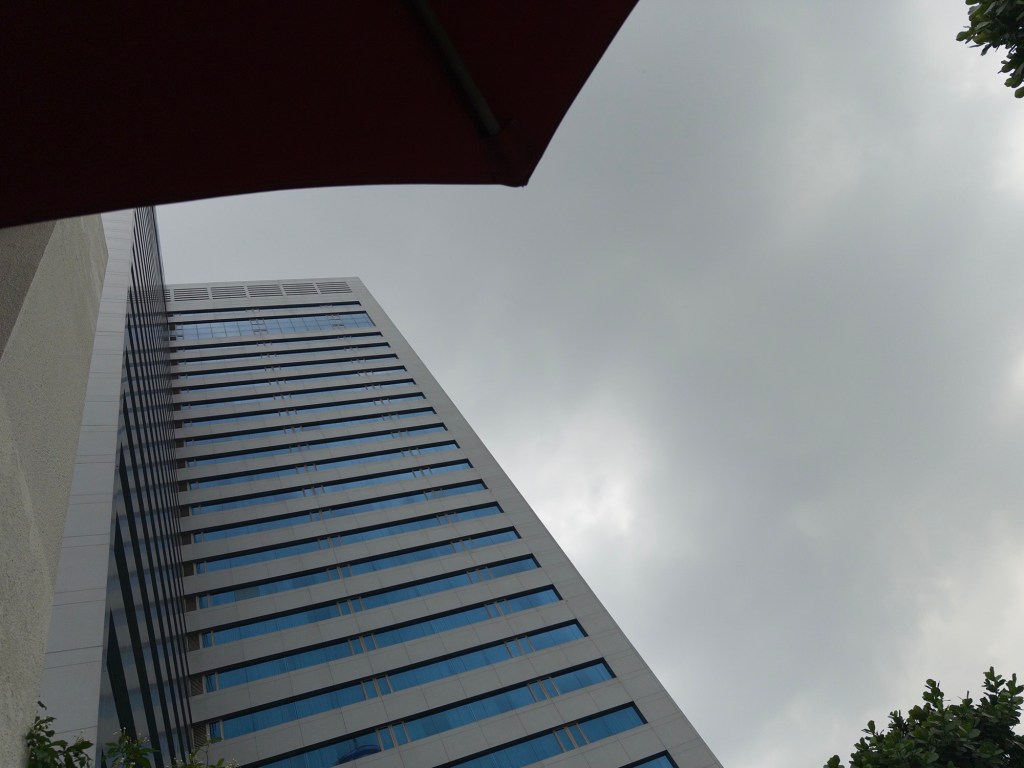
ProCamera
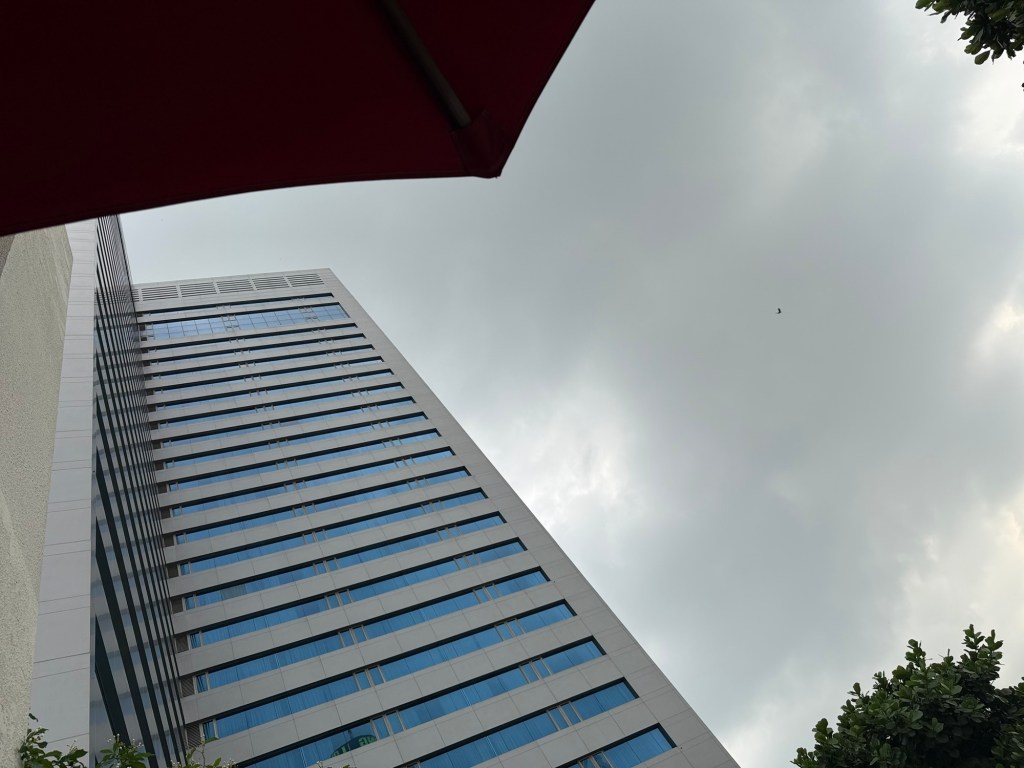
Indigo
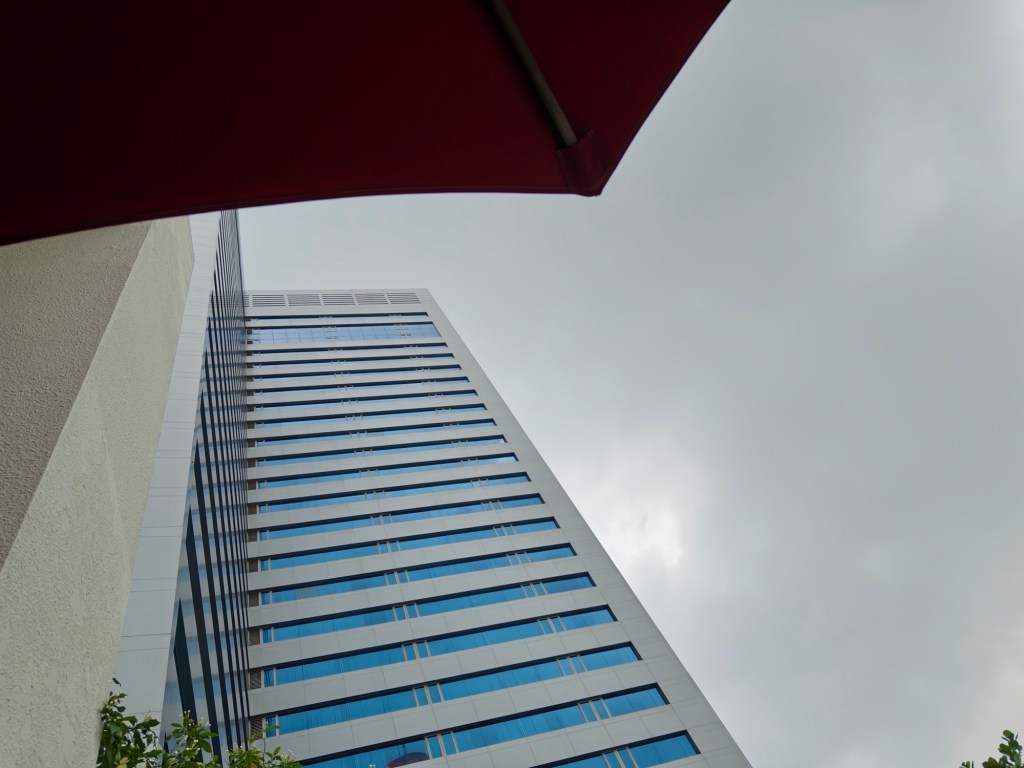
Halide
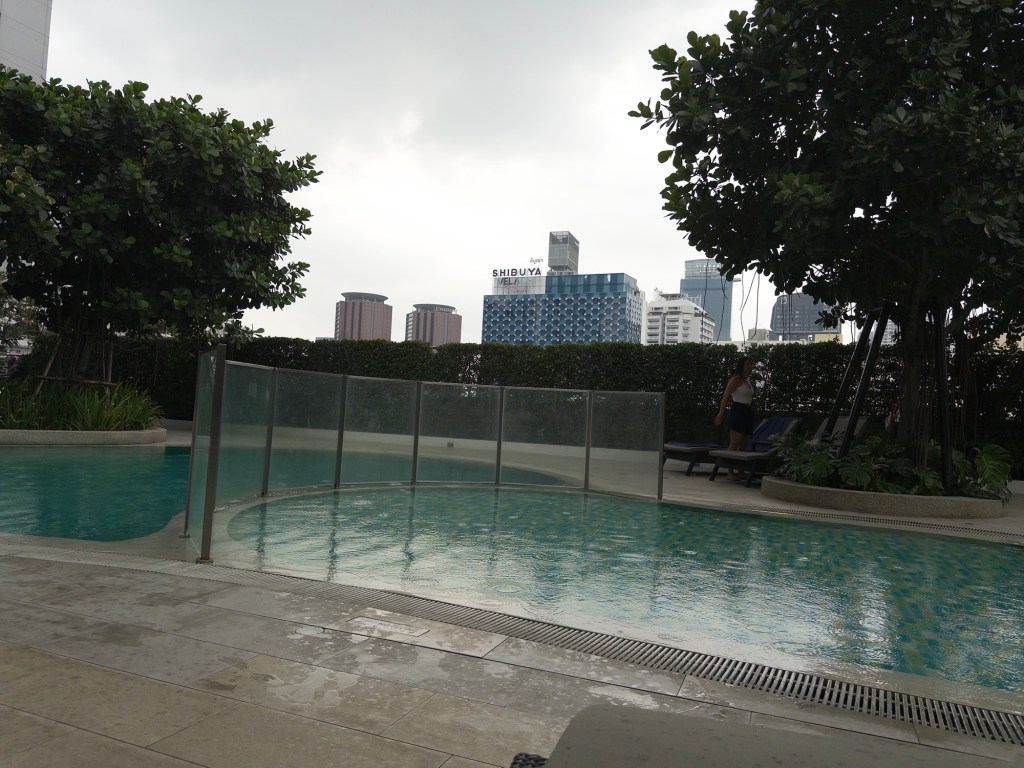
ProCamera
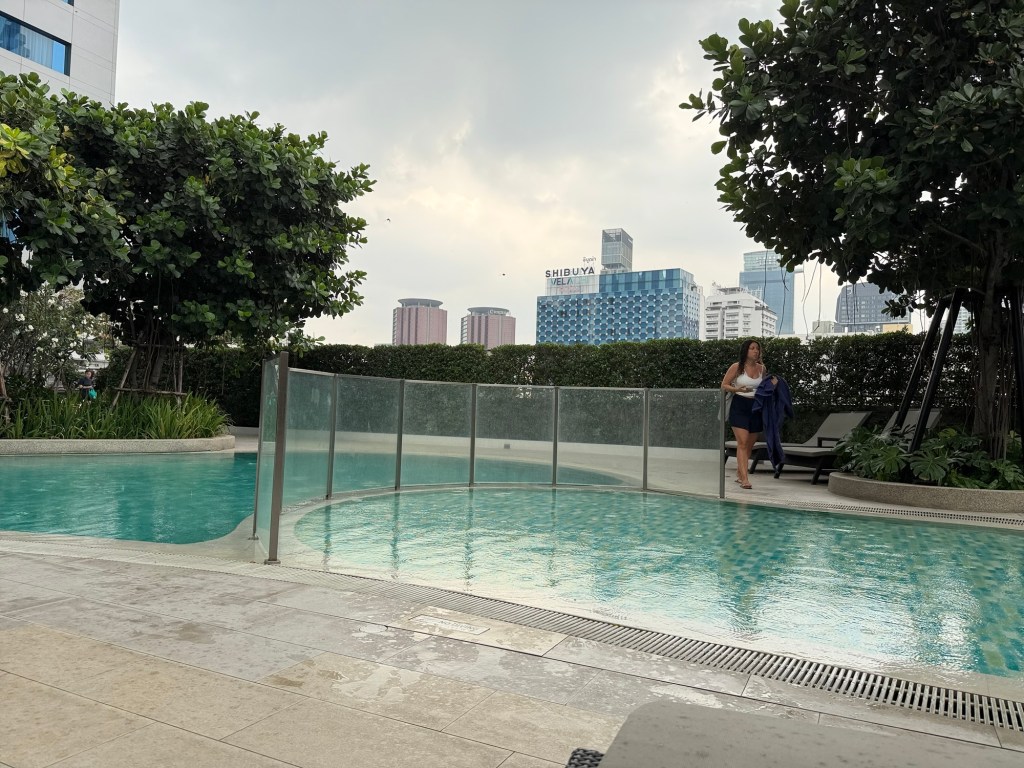
Indigo
 Dr Bob, Brain Mechanic